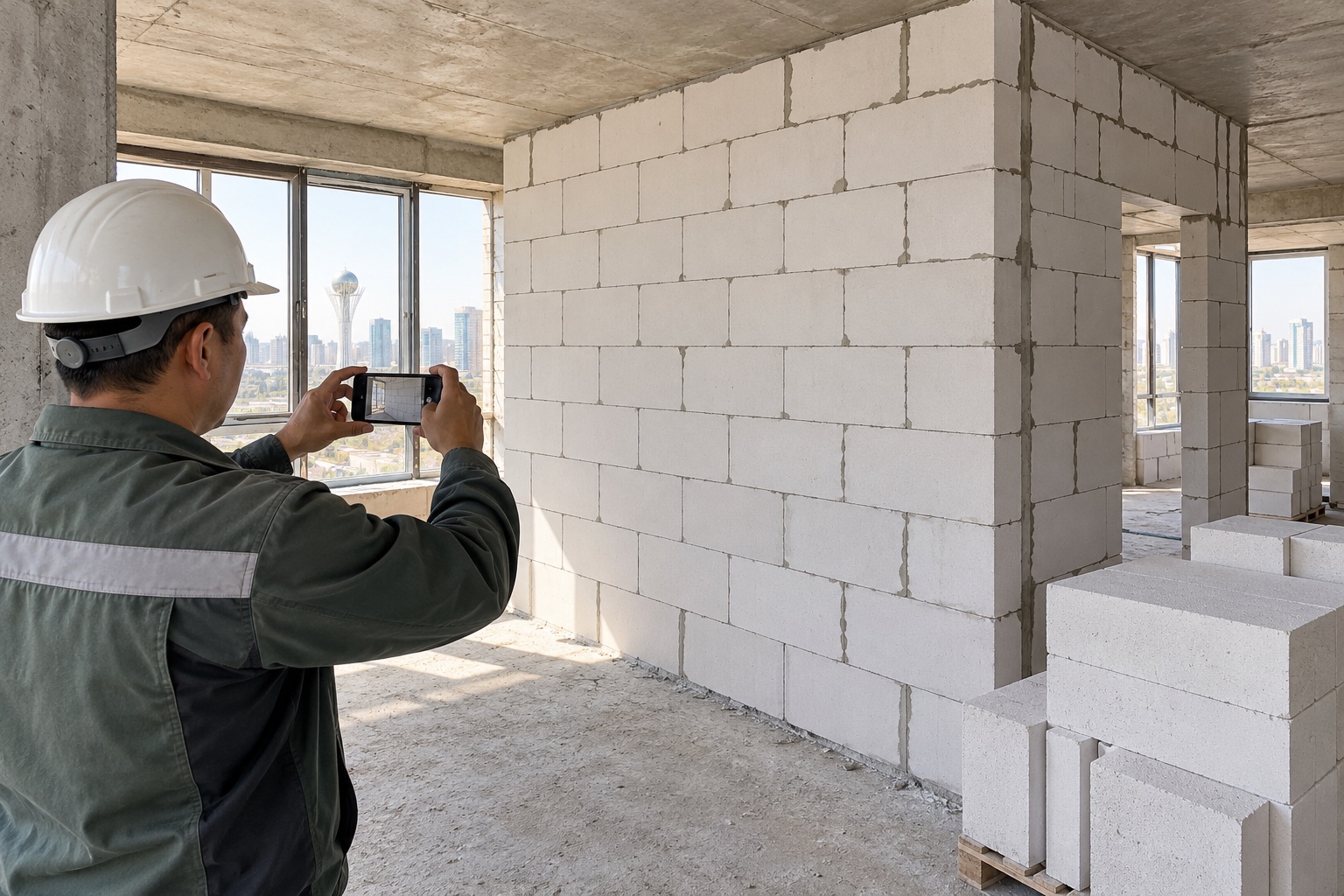
Agree the report
Define the information needed for the project, who provides it and when the manager receives the summary.
Qurylys Agent / 01
Reports and expenses through WhatsApp
Agent asks the team for updates and turns replies into records linked to the project, task and date. Completed work, expenses and open questions appear in a summary, with the original message, photo or receipt attached.
Building B · Floor 4
To launch Agent
Working with site data
Define the information needed for the project, who provides it and when the manager receives the summary.
Agent asks for an update. The site manager sends messages and site materials in the way they normally work.
See completed work, the crew responsible, submitted expenses and where help is needed, with links to the original materials.
A familiar working channel
The site manager sends work updates and photos in WhatsApp. The manager receives a structured summary and can open the original materials.
Materials · Building B
For the site team
We agree the participants, working channel, sample report and request schedule. Setup typically takes around two days once these are agreed.
Next step
Choose a project and the person responsible, agree the pilot outcome and arrange a working session.