Check the cameras
Agree stream access, camera views, the equipment list and the areas that are actually visible.
Qurylys Vision / 02
Equipment activity and safety
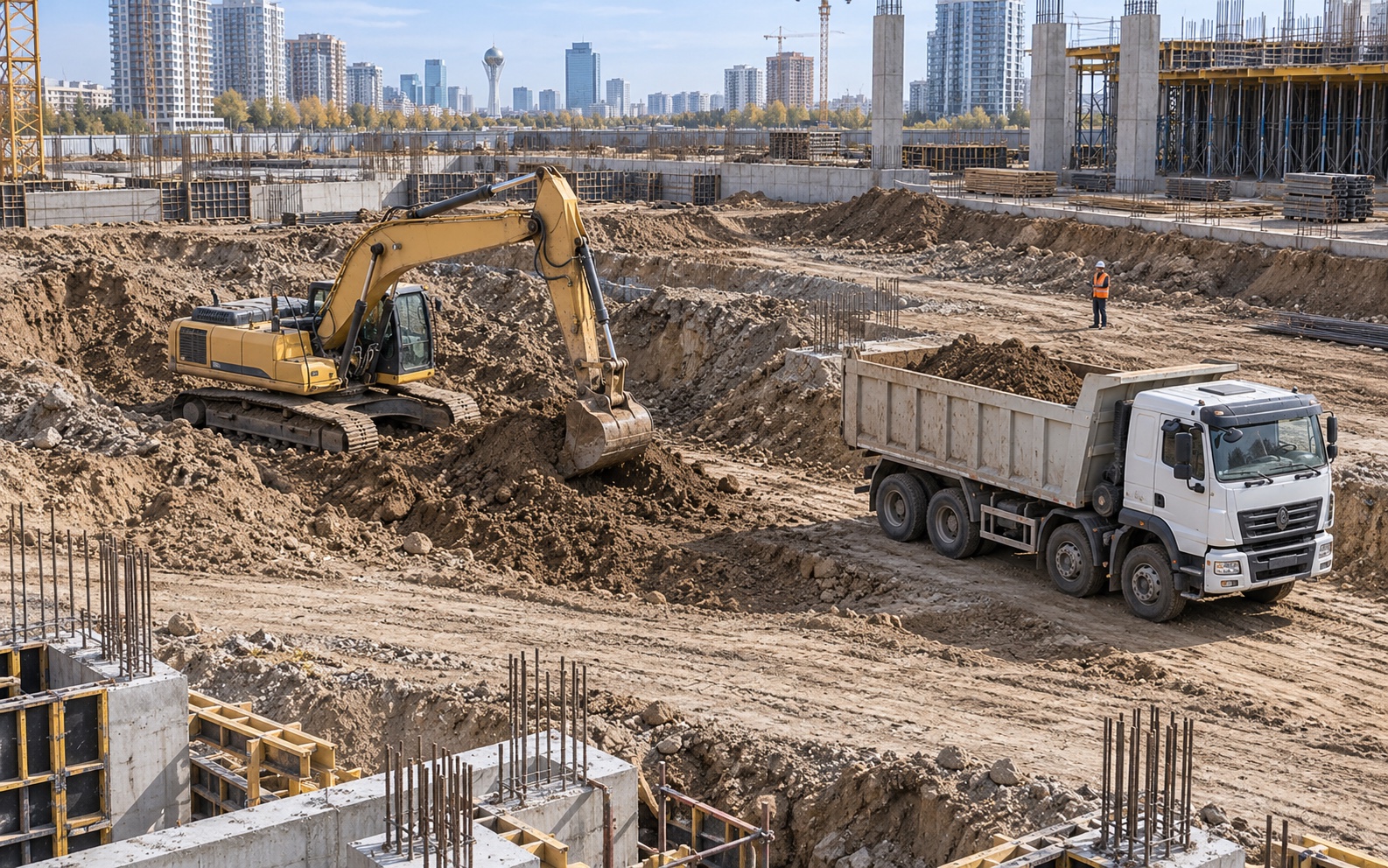
Vision links equipment activity and safety events to a specific time and camera. Managers can open the evidence, while the responsible person reviews the event and takes action.
To launch Vision
Working with site data
Agree stream access, camera views, the equipment list and the areas that are actually visible.
Record equipment activity intervals and safety events. Each observation includes a time, camera and supporting footage.
The responsible person checks the cause of idle time or reviews a safety event. Equipment hours are checked against documents and contract terms.
Evidence attached
Equipment activity is linked to time and video. Safety events include a frame, camera and responsible person who checks the situation and takes action.
For the site team
We validate detection quality on the site's cameras. Unobserved periods are reported separately; the team confirms idle-time causes and payment terms. Setup typically takes 6–7 days after technical readiness is confirmed.
Industry case studies
70% — reduction in injuries. $1.1m — annual savings reported by Voxel
View case study Construction site80% — fewer violations during the pilot. 95% — detection accuracy after setup
View case studyResults from the platforms shown. We evaluate Qurylys results separately on your project.
Next step
Choose a project and the person responsible, agree the pilot outcome and arrange a working session.