Link captures to an area
Define the site-walk route and link materials to a room, floor or work area.
Qurylys Atlas / 03
Work progress against the schedule
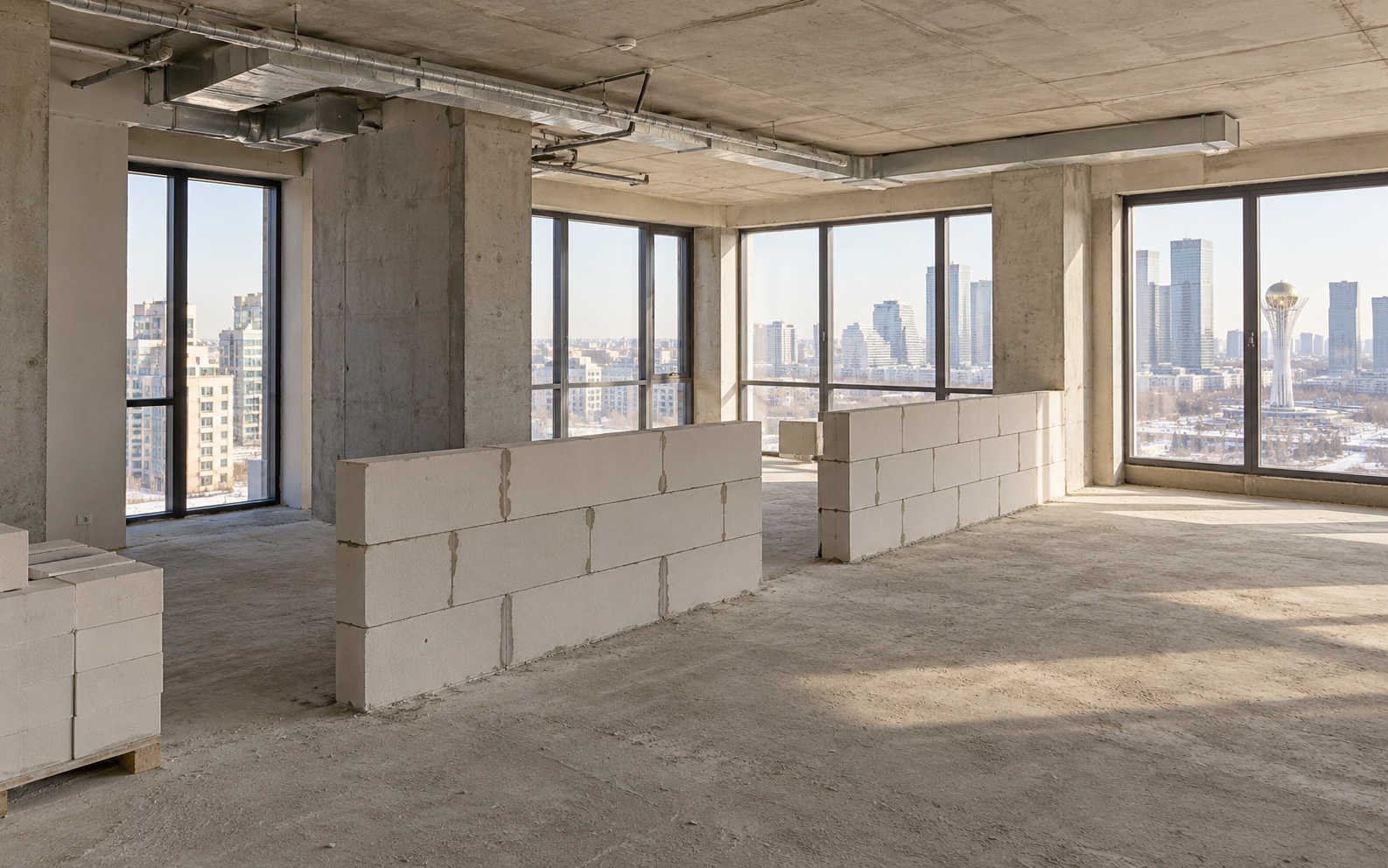
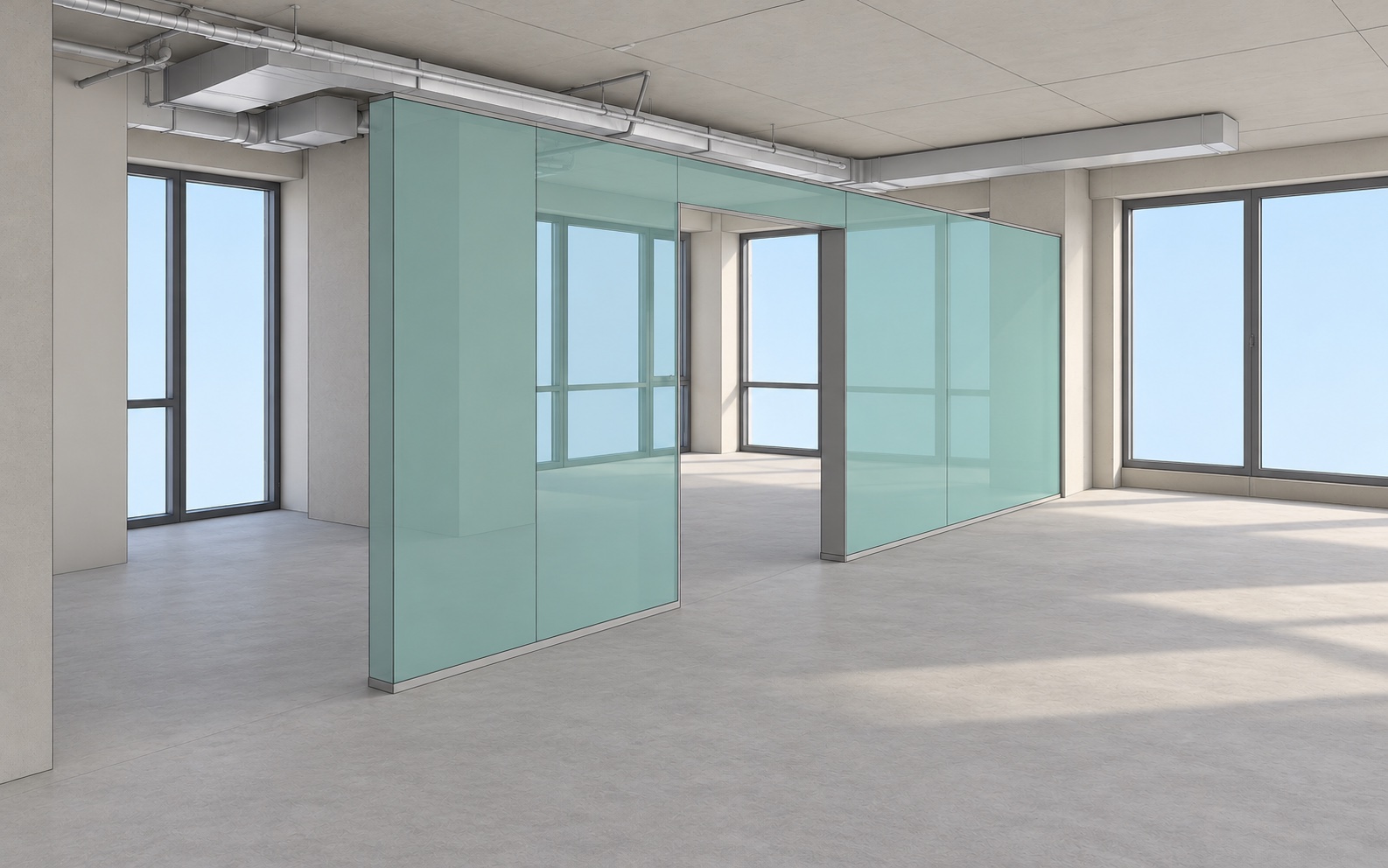
Atlas helps show what has changed between site walks. A 360° capture alongside BIM reveals differences in interior works. Site areas and the schedule link each visual check to a specific task.
To launch Atlas
Working with site data
Define the site-walk route and link materials to a room, floor or work area.
Open the same area on different days. Identify changes and work that still needs confirmation.
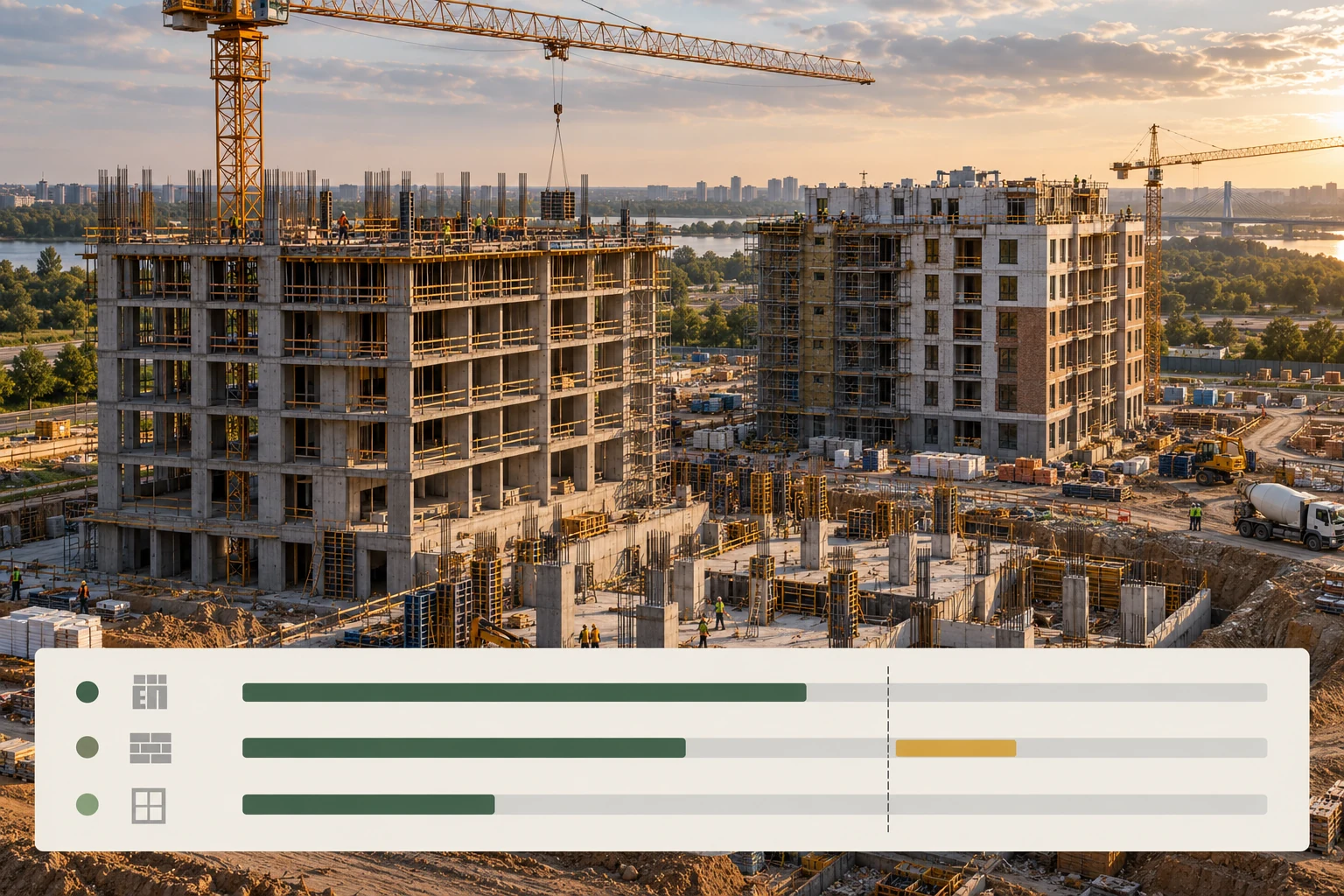
Check what should be complete by the capture date. The engineer reviews the evidence and confirms the task status.
Interior works
Open 360° captures alongside BIM. Compare designed partitions with what has been built and check progress against the schedule.
For the site team
Before starting, we need the schedule, BIM model, area plan and an agreed capture process. We agree the method and quality checks with the engineer during the pilot.
Industry case studies
Results from the platforms shown. We evaluate Qurylys results separately on your project.
Next step
Choose a project and the person responsible, agree the pilot outcome and arrange a working session.